
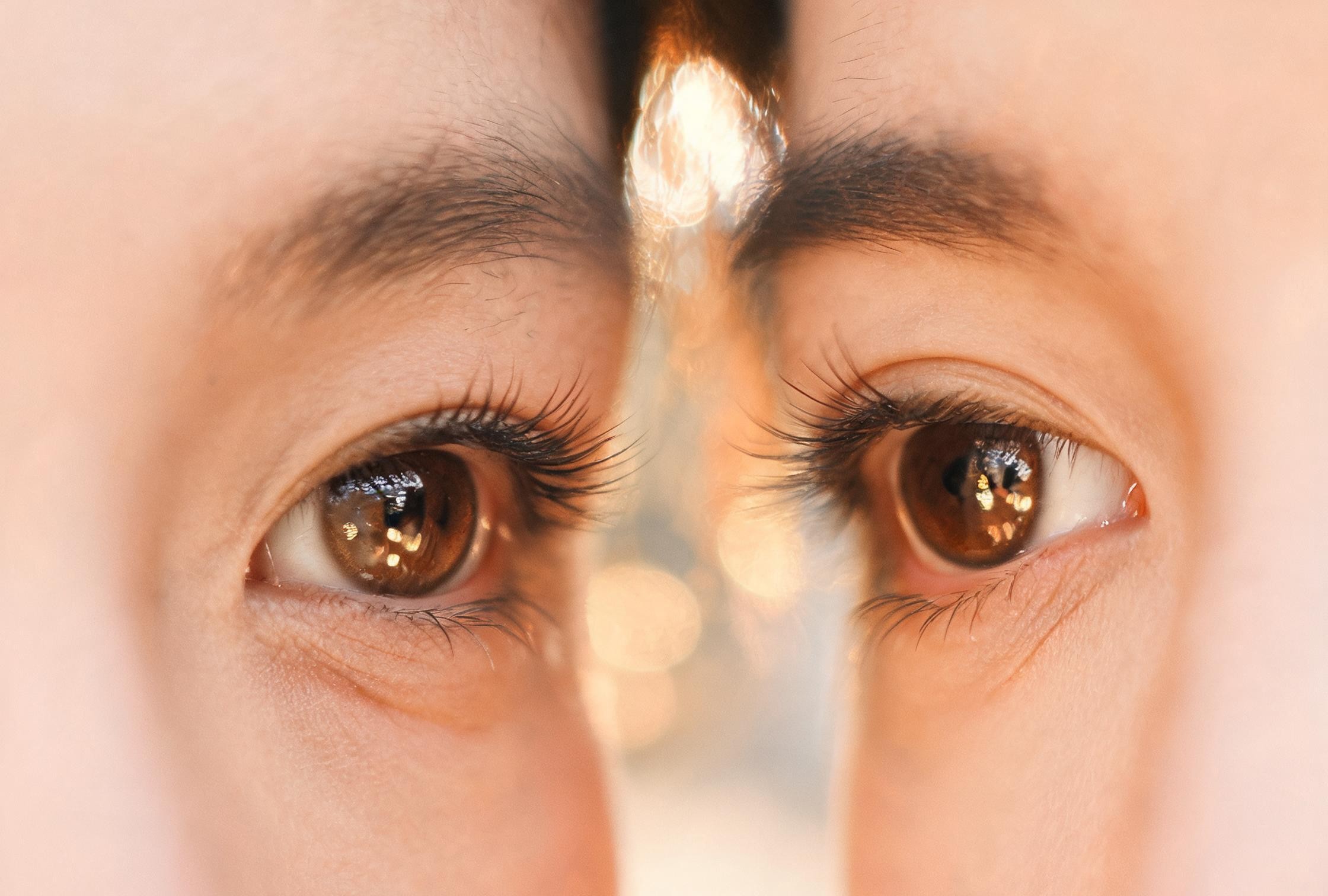
Dreamy Eye Reflection Close-Up
A tight frame where the eyes fill the shot. Soft bokeh reflections in the iris, gentle catchlights, and two faces so close the cheeks almost touch — the lockscreen wallpaper people screenshot twice.
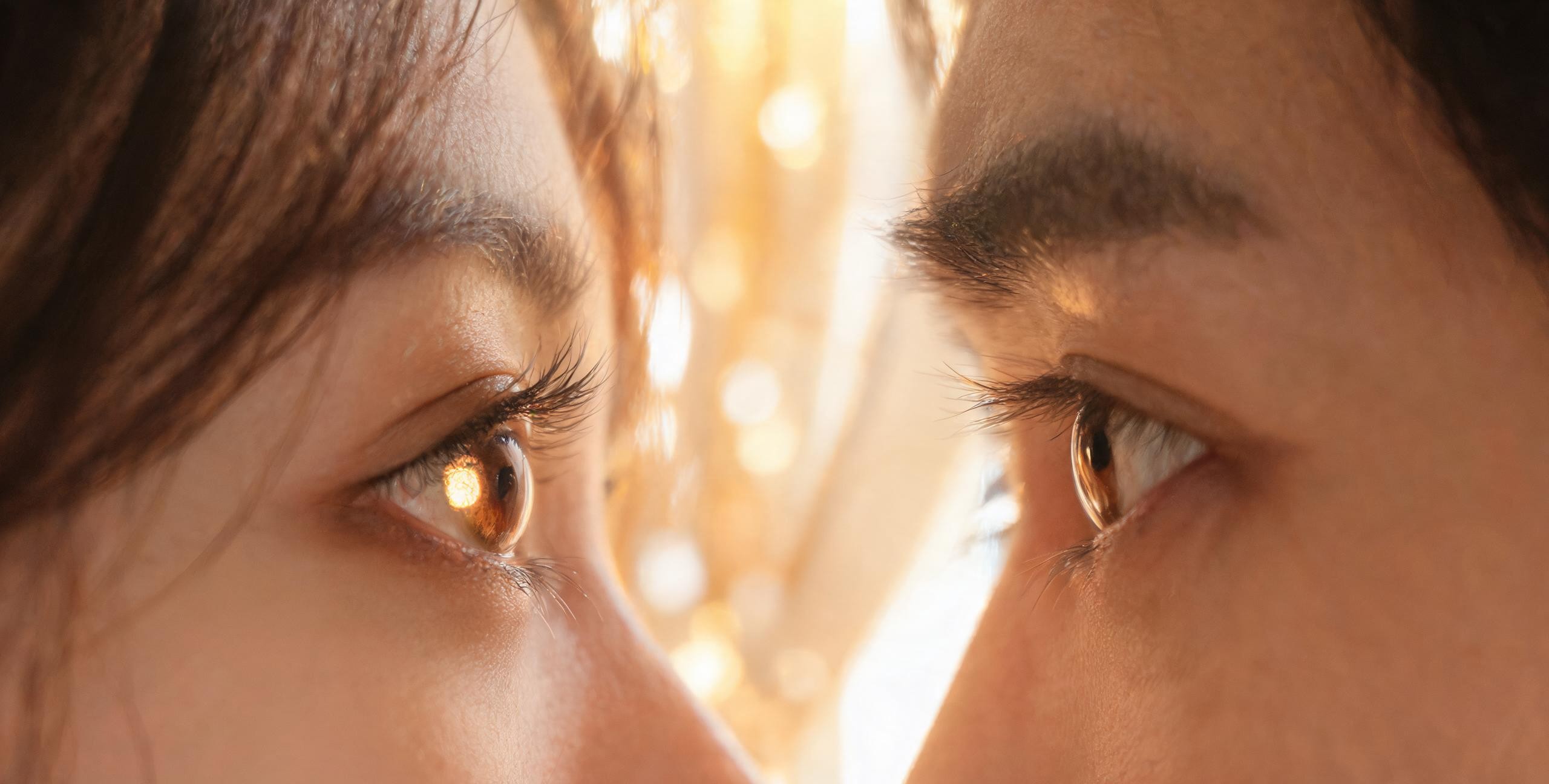
Create romantic close-up couple portraits, eye-contact scenes, and matching lockscreen wallpapers. Upload two photos or start with a prompt — both identities stay intact while the mood, light and crop are generated around them.
Two separate reference photos on the left, one shared gaze on the right. Each set is styled for a different mood and wallpaper crop.
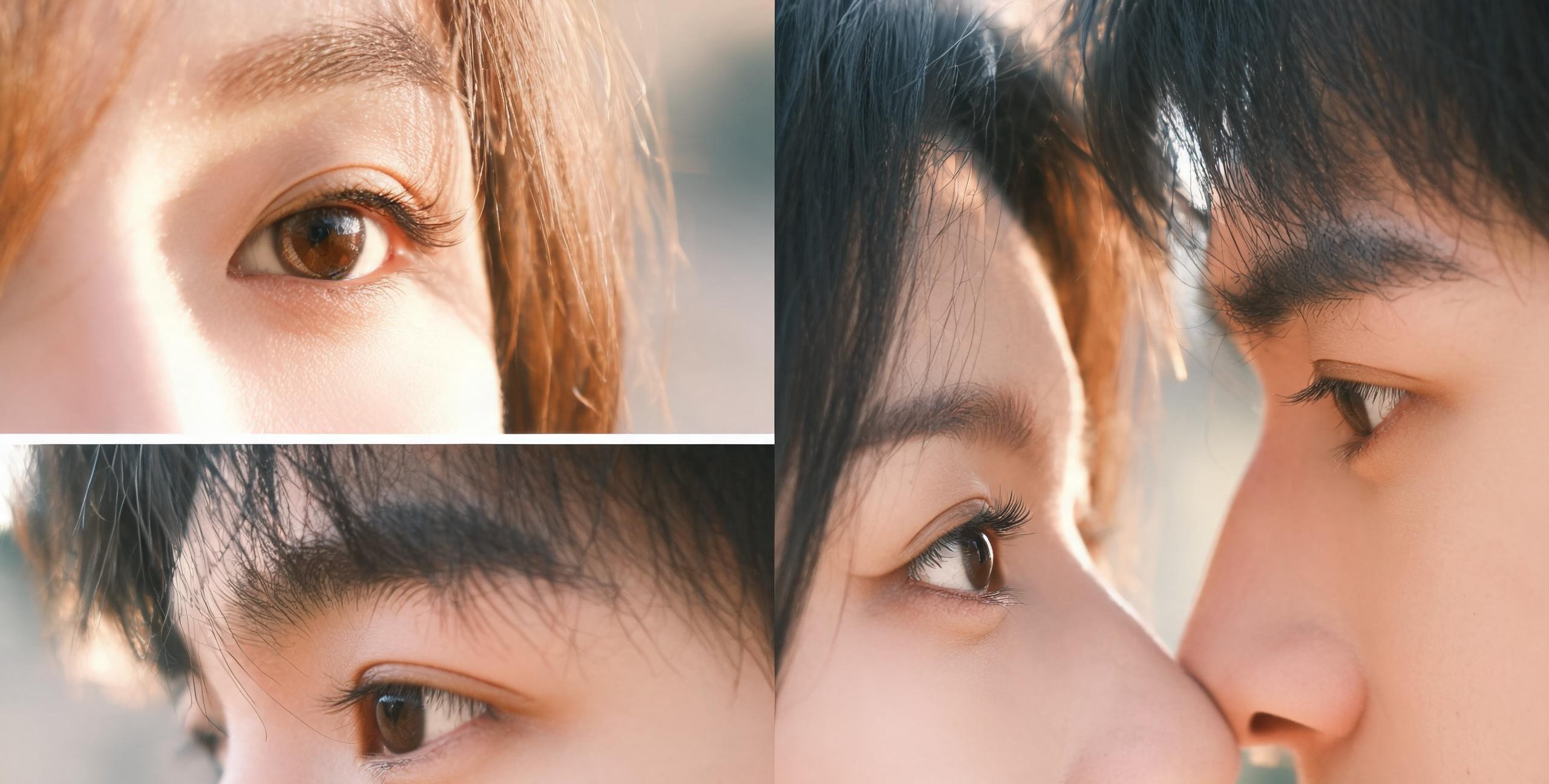
Photorealistic · soft window light
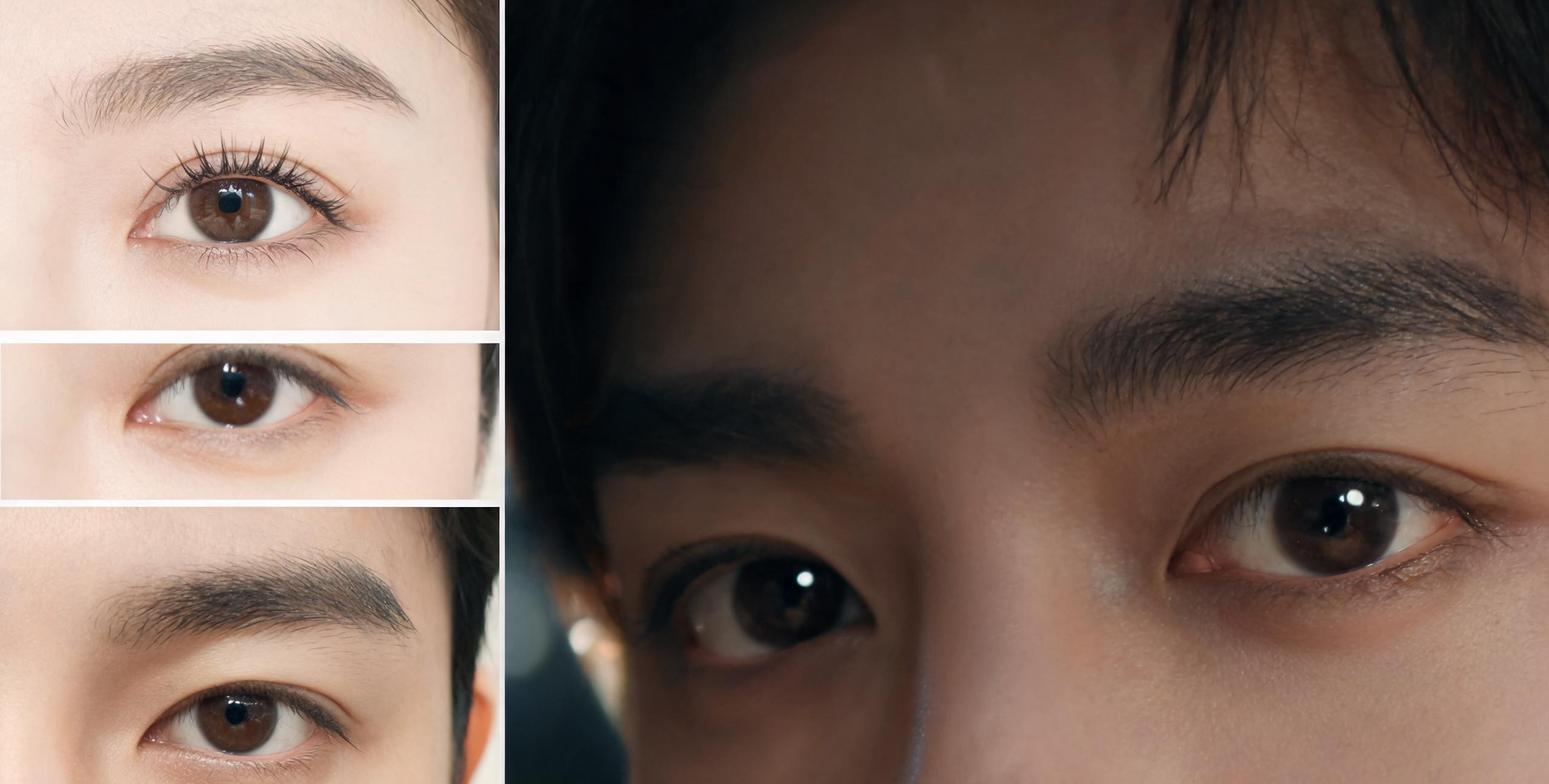
Cinematic · 9:16 wallpaper crop
Use these prompts in Visora, then adjust style, lighting and mood for your own 9:16 lockscreen wallpaper.
A tight frame where the eyes fill the shot. Soft bokeh reflections in the iris, gentle catchlights, and two faces so close the cheeks almost touch — the lockscreen wallpaper people screenshot twice.
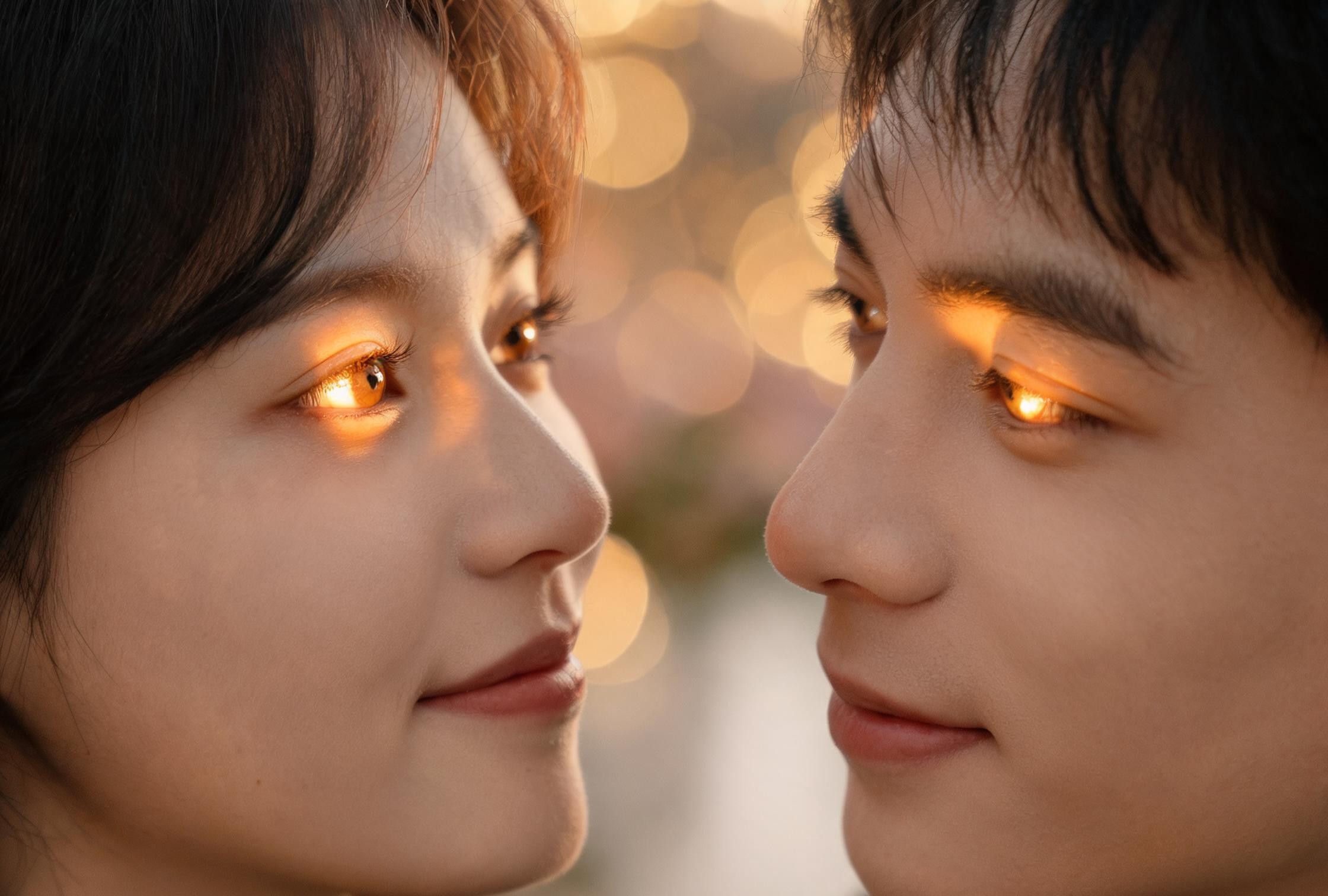
Both faces lit by the same warm key light so the catchlights sit in matching positions. The eyes read as a pair, not as two separate portraits composited side by side.
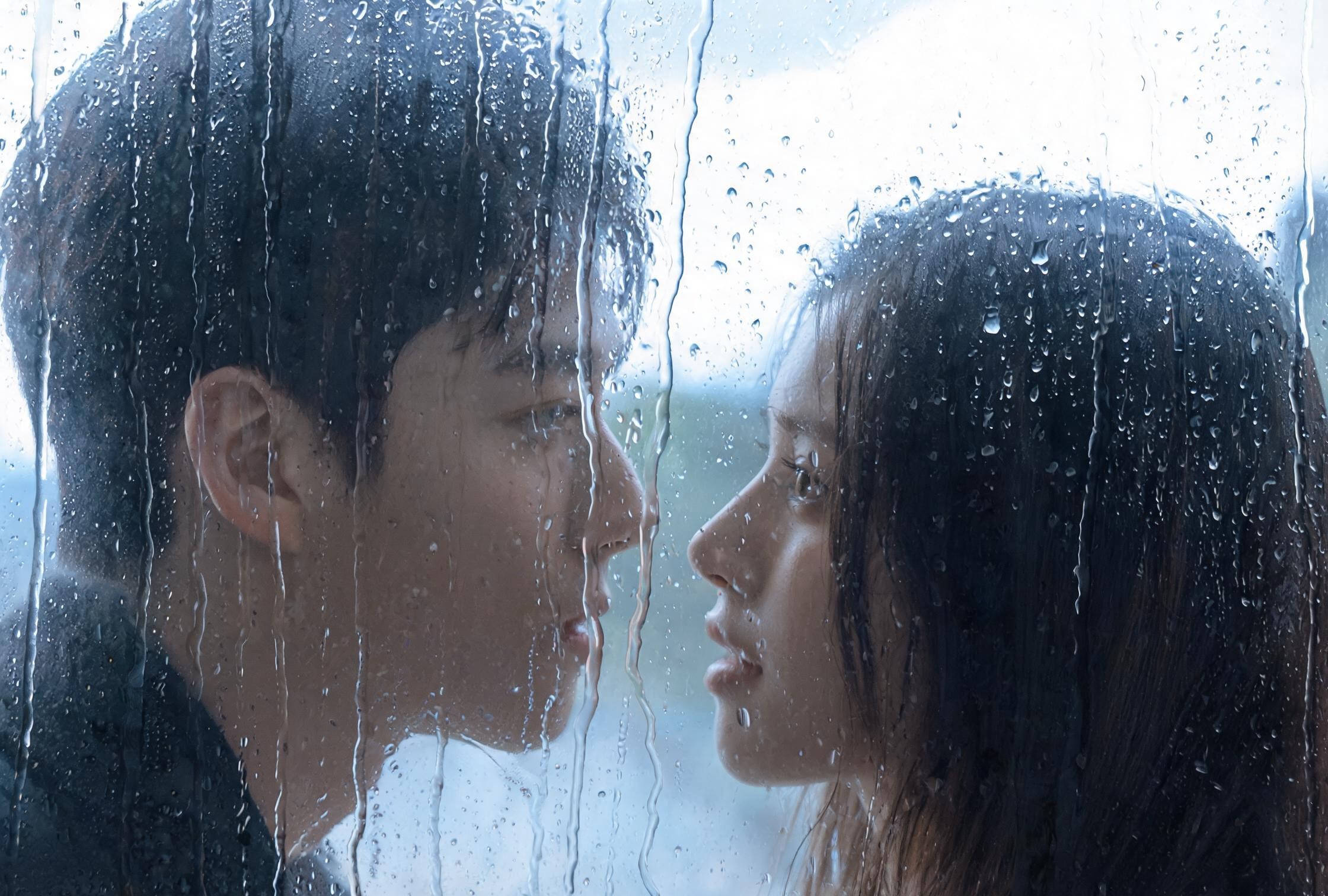
Raindrops on a window behind them, soft diffused daylight, two profiles facing each other. The mood is quiet and cinematic, built for a 9:16 phone wallpaper.
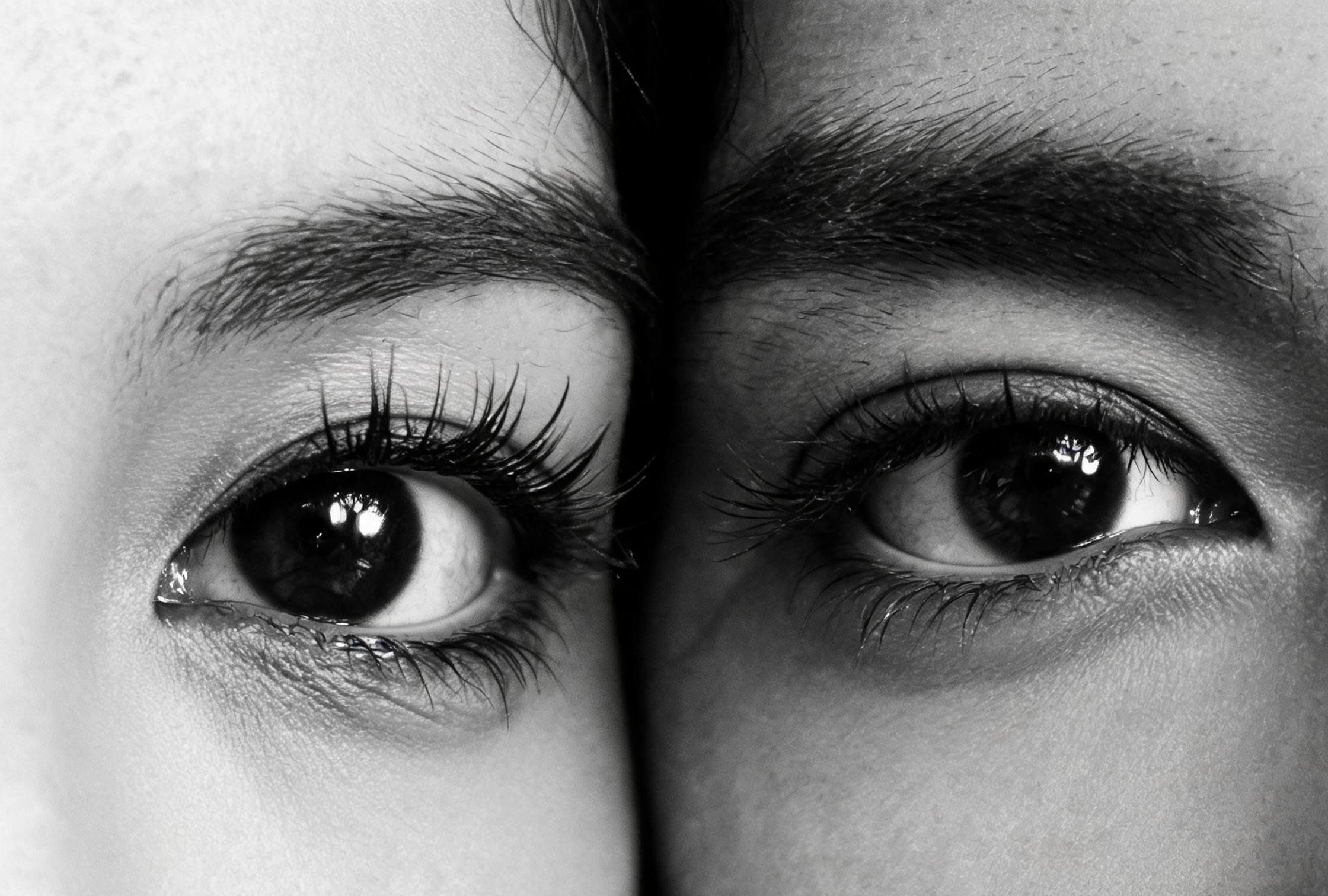
Strip the color away and the eyes do all the talking. High-contrast monochrome, deep shadows around the lashes, bright catchlights — a timeless anniversary print.
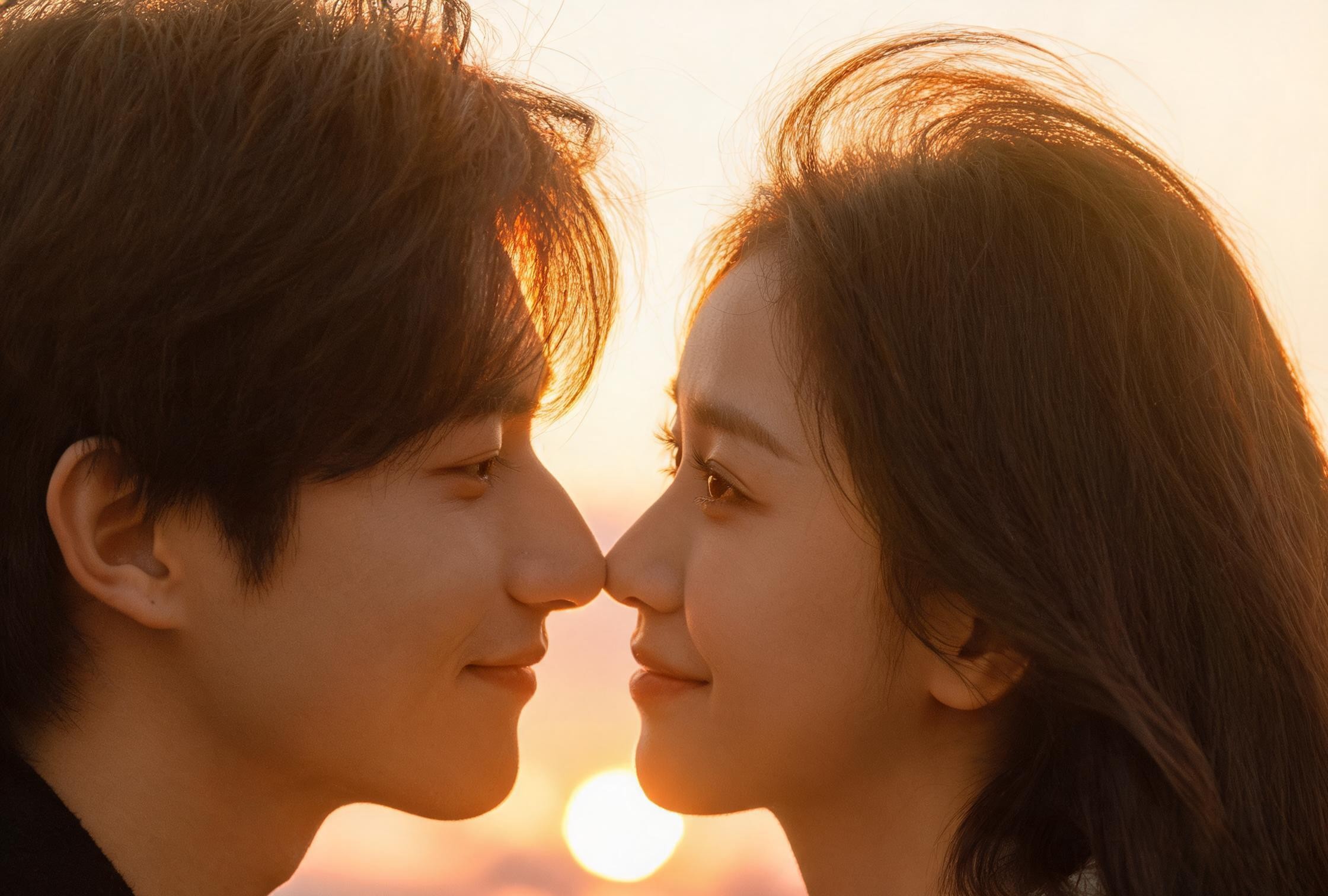
Warm backlight at sunset rims the hair, soft fill on the faces. The eyes glow amber and the whole frame feels like the last minute of a perfect date.
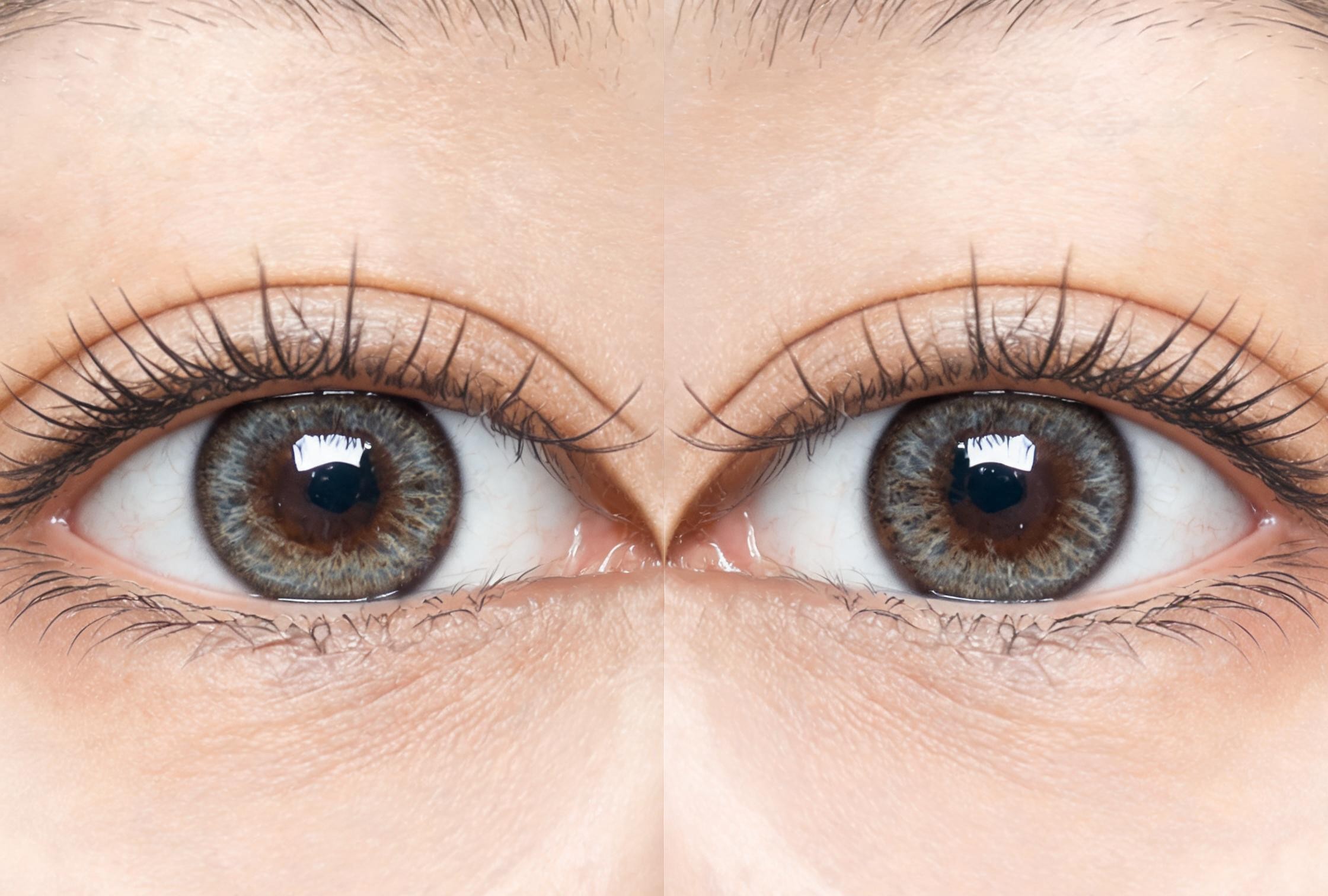
The classic split composition: one eye from each person, side by side, framed as a single image. No noses, no mouths — just two eyes that belong together.
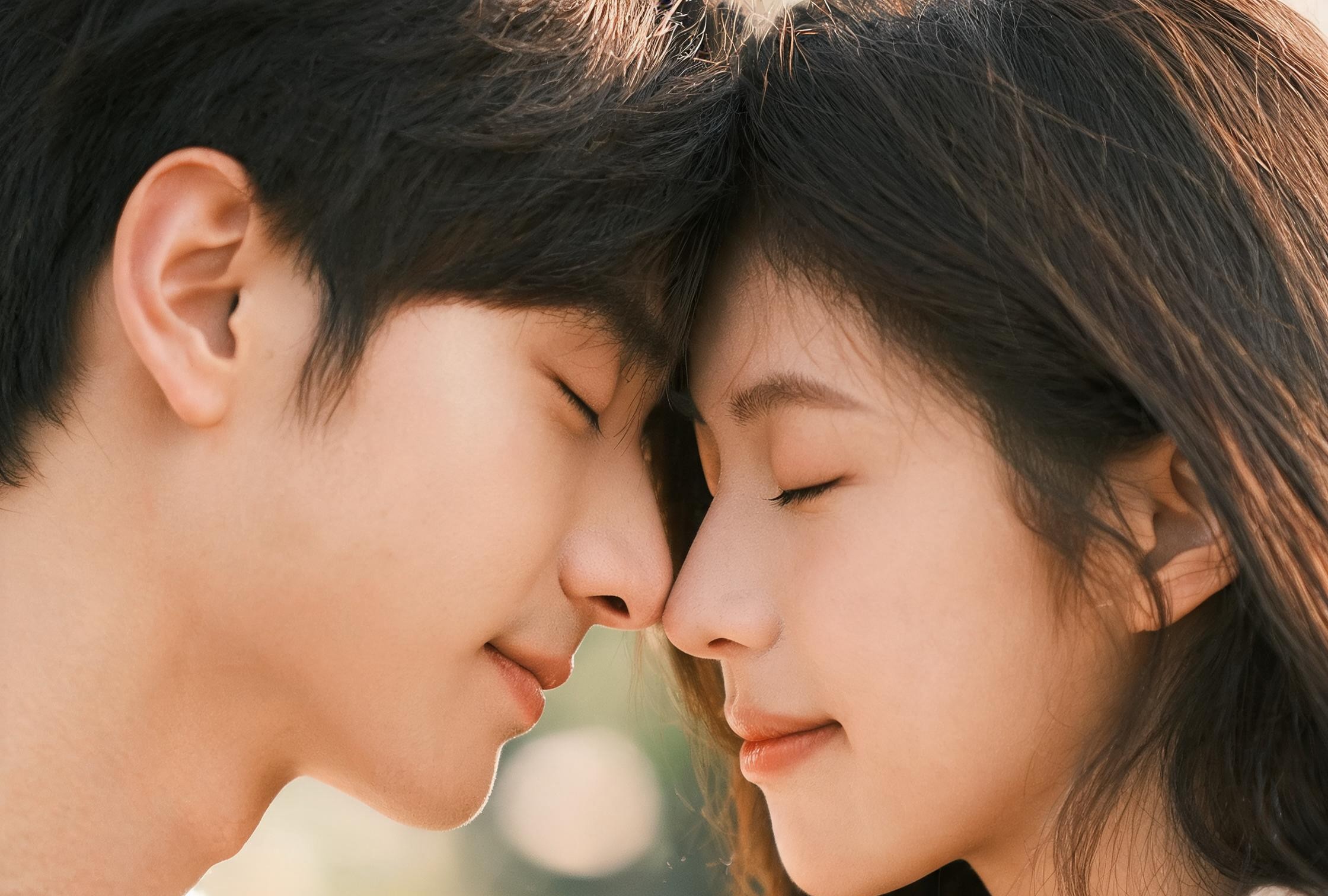
Foreheads pressed together, eyes closed or half-closed, a tender quiet moment. Soft skin texture, warm tones, the kind of shot that feels private even on a feed.
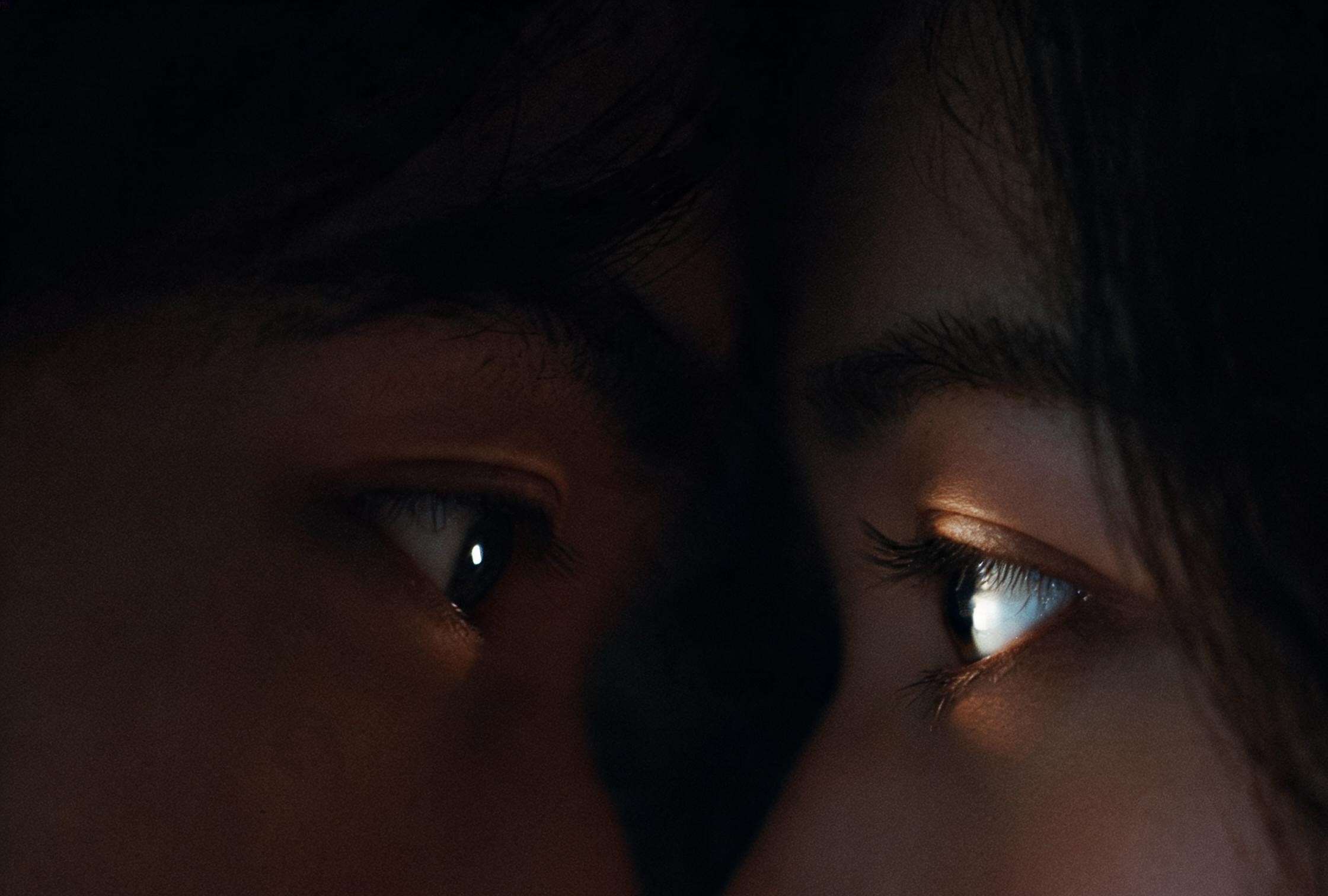
Low-key lighting, a single practical light source, deep shadows and one bright eye each. Looks like a still from a romantic film, ready for a wallpaper crop.
Four things a romantic eye close-up has to get right, and how each prompt handles it before you press generate.
Every prompt frames the gaze as the subject. Catchlights, eye direction and crop are named, so the intimacy is in the text, not left to chance.
Identity clauses protect each face separately. No merged features, no cloned eyes, no 'which one is me' surprises.
The prompts default to a vertical phone-wallpaper frame. Generate once and it fits a lockscreen without re-composing.
Dreamy reflection, cinematic, golden hour, black-and-white and more — copy the one that matches your mood and adjust from there.
The most common failure in couple photos is one face overwriting the other. Every prompt here names both subjects as distinct people, protects eye color and skin tone for each, and tells the model not to clone features. Two reference photos, two recognizable people.
Try this promptFor a lockscreen or close-up, the eyes are the whole image. Crop tight, push the rest of the face out of frame, and let the catchlights carry the emotion. A wide two-shot will never feel as intimate as a tight eye-to-eye frame.
Try this promptMatching catchlights are what make two eyes read as being in the same room. Name the light direction, keep it soft, and avoid two separate light sources that give each person a different highlight position.
Try this promptCouple shots fail in predictable ways: a third eye, mismatched skin tones, one person cloned onto the other. Zoom to 100%, check the eyelashes and the iris edges, and re-run with stronger identity clauses if anything drifts.
Try this promptCouple shots usually go wrong in one of two ways: the faces blend into one, or the eyes stop looking at each other. The prompts name both people separately and put the eyes right in the middle of the frame.
Every prompt leads with the eyes: framing, catchlights, gaze direction. The result reads as intimate before anything else.
Identity clauses protect each person separately. No merged faces, no cloned features, no 'who is that' moments.
Most prompts are written for 9:16 vertical crops, so the output fits a phone screen without re-composing.
Two clear solo shots work best — one per person. If you only have a prompt, skip the upload and let the model generate both faces from your description.
Pick a style from the cards above, copy the prompt, and keep the identity and lighting clauses intact. GPT Image and Nano Banana both handle these well.
Run a few variations, compare the eye contact and skin tones, then export the one that feels right. Crop to 9:16 for a lockscreen.
Everything that goes wrong with couple eye photos, and how each prompt handles it.
It is a romantic close-up portrait where the composition focuses on the eyes of two people — either meeting, looking at each other, or cropped as one eye each. The goal is intimacy and eye contact, usually for a lockscreen wallpaper or anniversary image.
For a recognizable couple portrait, yes — one photo per person helps the model keep both identities. If you only want a stylized eye close-up without specific people, you can generate from a prompt alone.
Image models can blend two faces when the prompt does not separate them clearly. The prompts on this page name both subjects as distinct people and protect each one's eye color, skin tone and features to reduce merging.
Yes. Most prompts are written for a vertical 9:16 frame. Generate at that aspect ratio, or crop a wider result to 9:16 after export, and you get a his-and-her lockscreen pair.
Visora gives you the prompt; the image comes from the model you pick in the studio. So the licence follows that model's terms — check those, and make sure both people are happy for you to use their photos.
The same prompt structure works across image models. Browse the library by model, or jump into a related image effect.
Open the studio with a prompt already filled in, upload two photos, and generate your first romantic eye close-up in under a minute.