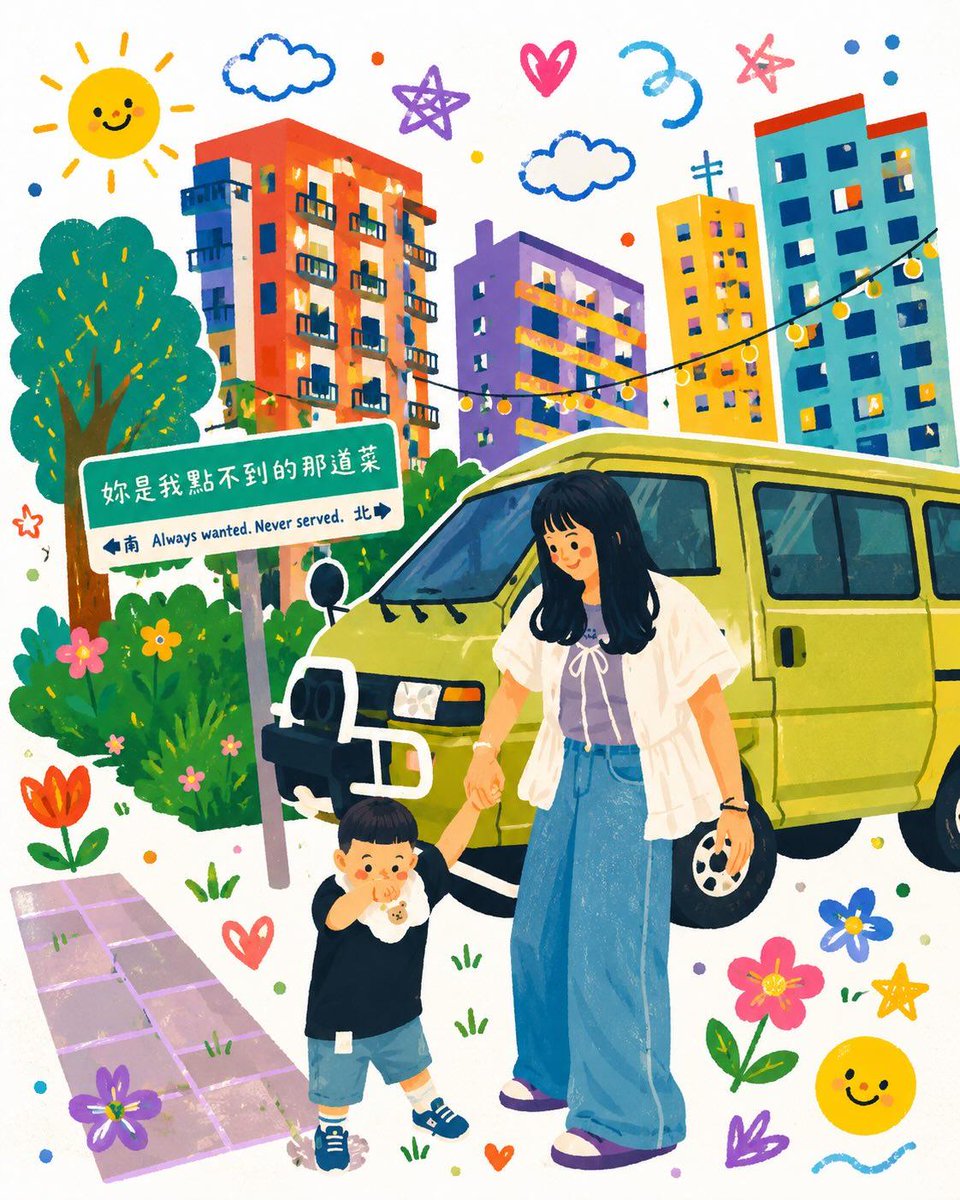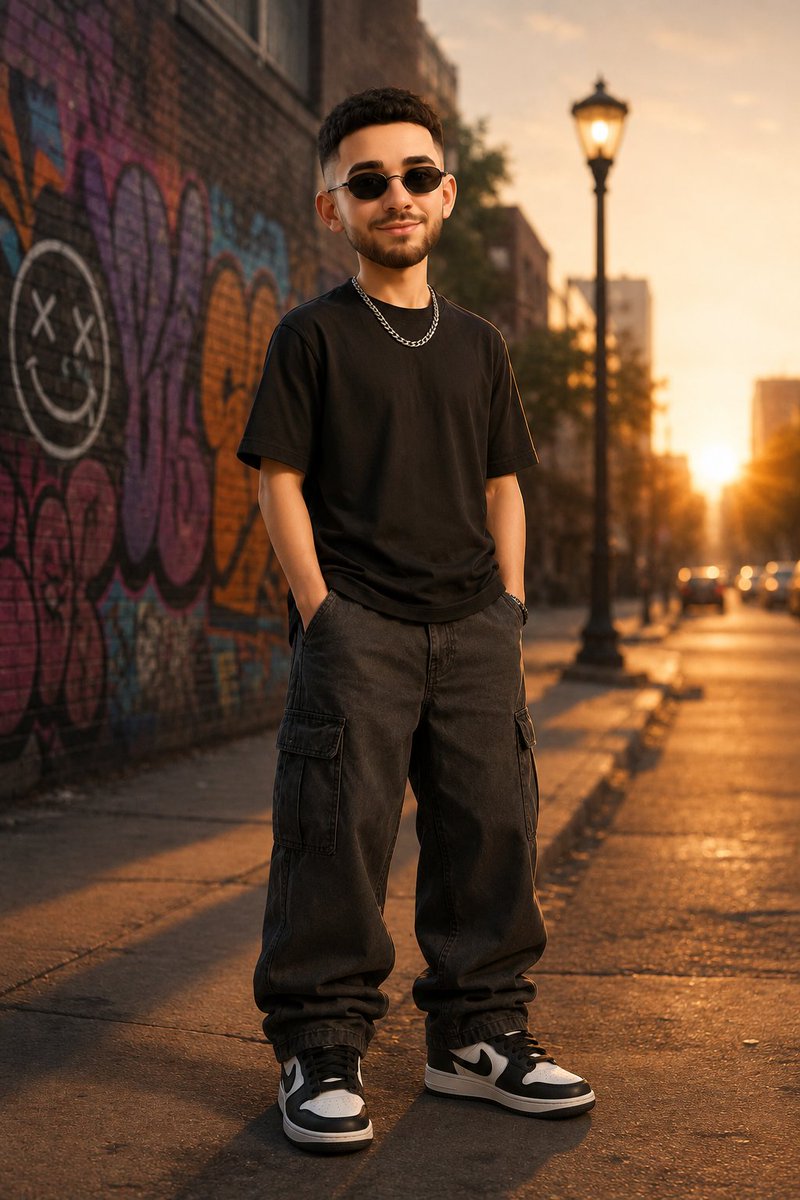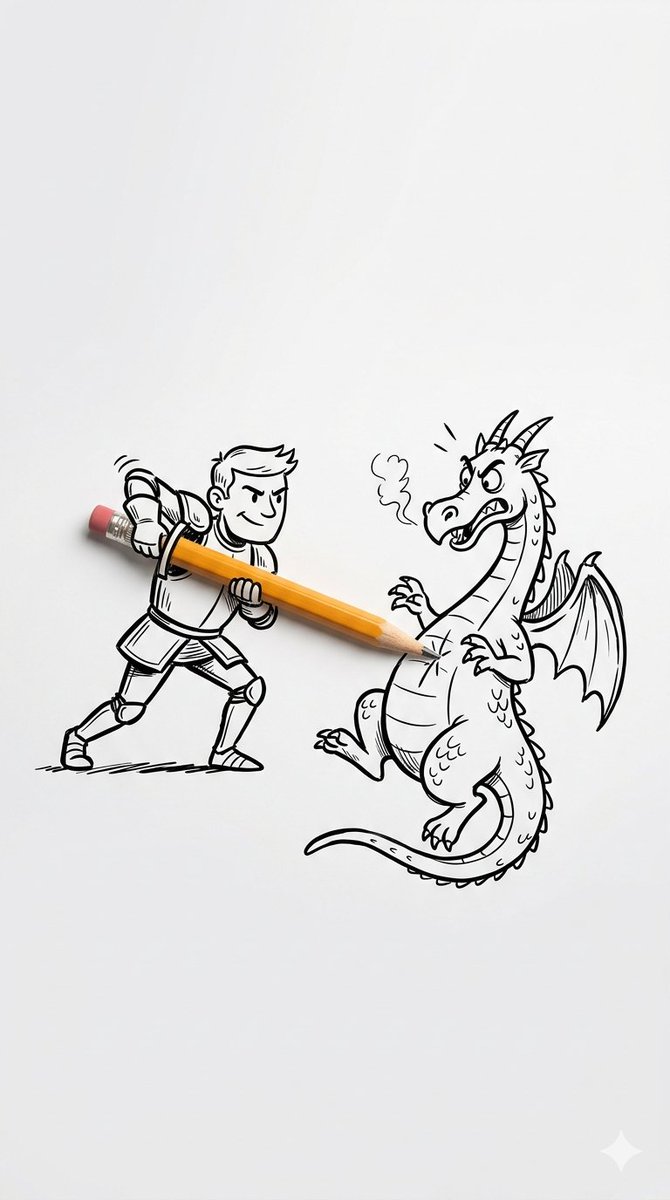
GPT Image prompt
主題: 膝越しの夏光 主体: 静かな住宅街の細い路地で、コンクリート壁にもたれるように地面へ座る成人女性を一人、縦長構図で描く。人物は画
主題: 膝越しの夏光 主体: 静かな住宅街の細い路地で、コンクリート壁にもたれるように地面へ座る成人女性を一人、縦長構図で描く。人物は画 is a free 723-word prompt written for GPT Image. Paste it into the model as-is and generate. The text below is the original, unedited version — no sign-up, no rewriting.
How to use this prompt
- 1Open GPT Image in the image tool you already use.
- 2Have a subject description ready: the prompt sets the styling, you supply who or what is in frame.
- 3Paste the prompt exactly as written. Do not summarise it: the ordering of the clauses is what keeps the composition stable.
- 4Generate once, then change a single phrase per attempt. Changing three at a time makes it impossible to tell which one moved the result.
What to change first
- The framing is set to 4:5. Change that value to get a different crop without touching the rest of the prompt.
- The opening sentence fixes the subject and the rest is styling. Swap the subject and the style stays; swap the style words and the subject stays.