Use my uploaded selfie as the source image is a free 73-word prompt written for GPT Image. It opens with “Use my uploaded selfie as the source image.” and works from a reference photo you upload, so the result keeps the subject you already have. The text below is the original, unedited version — no sign-up, no rewriting.
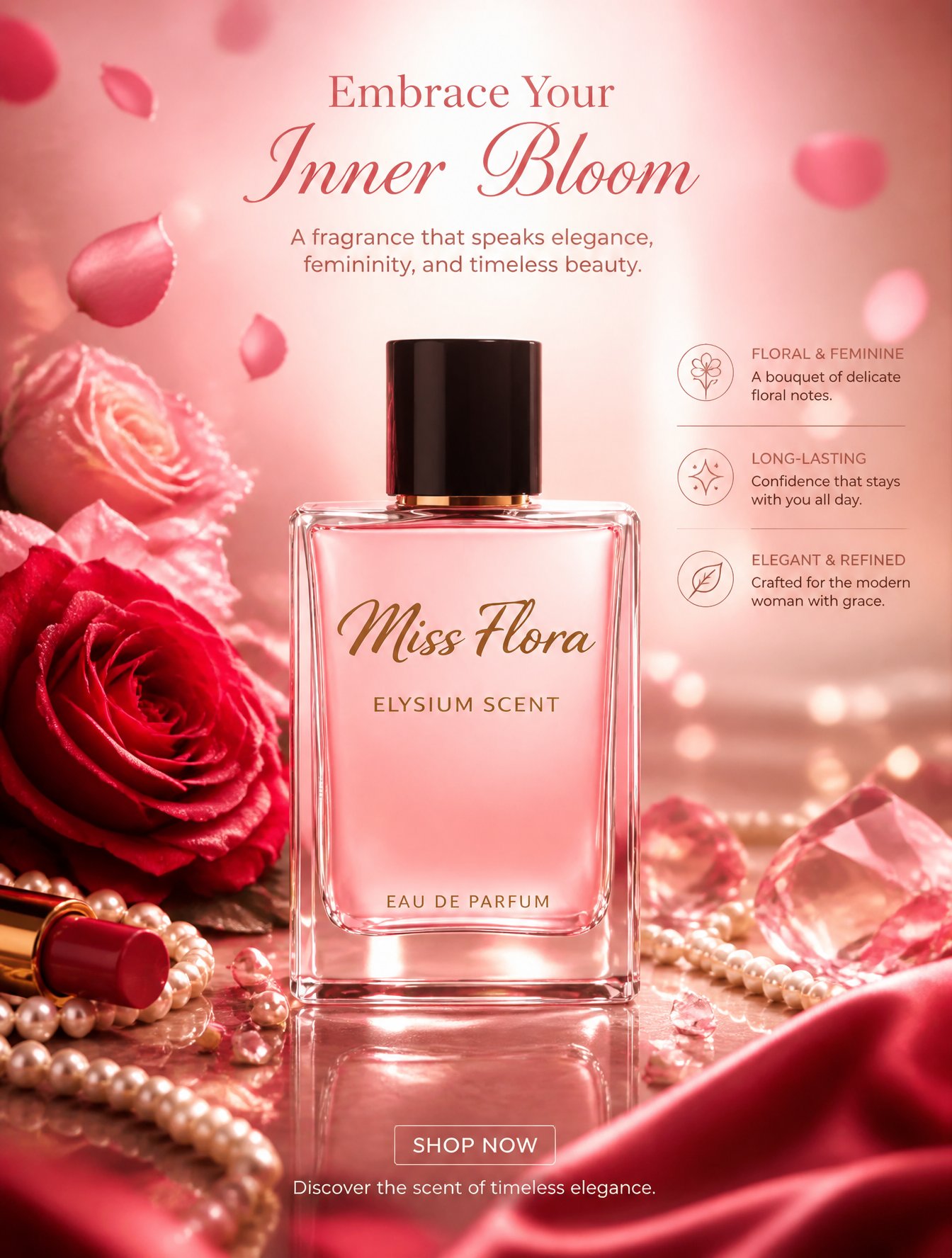
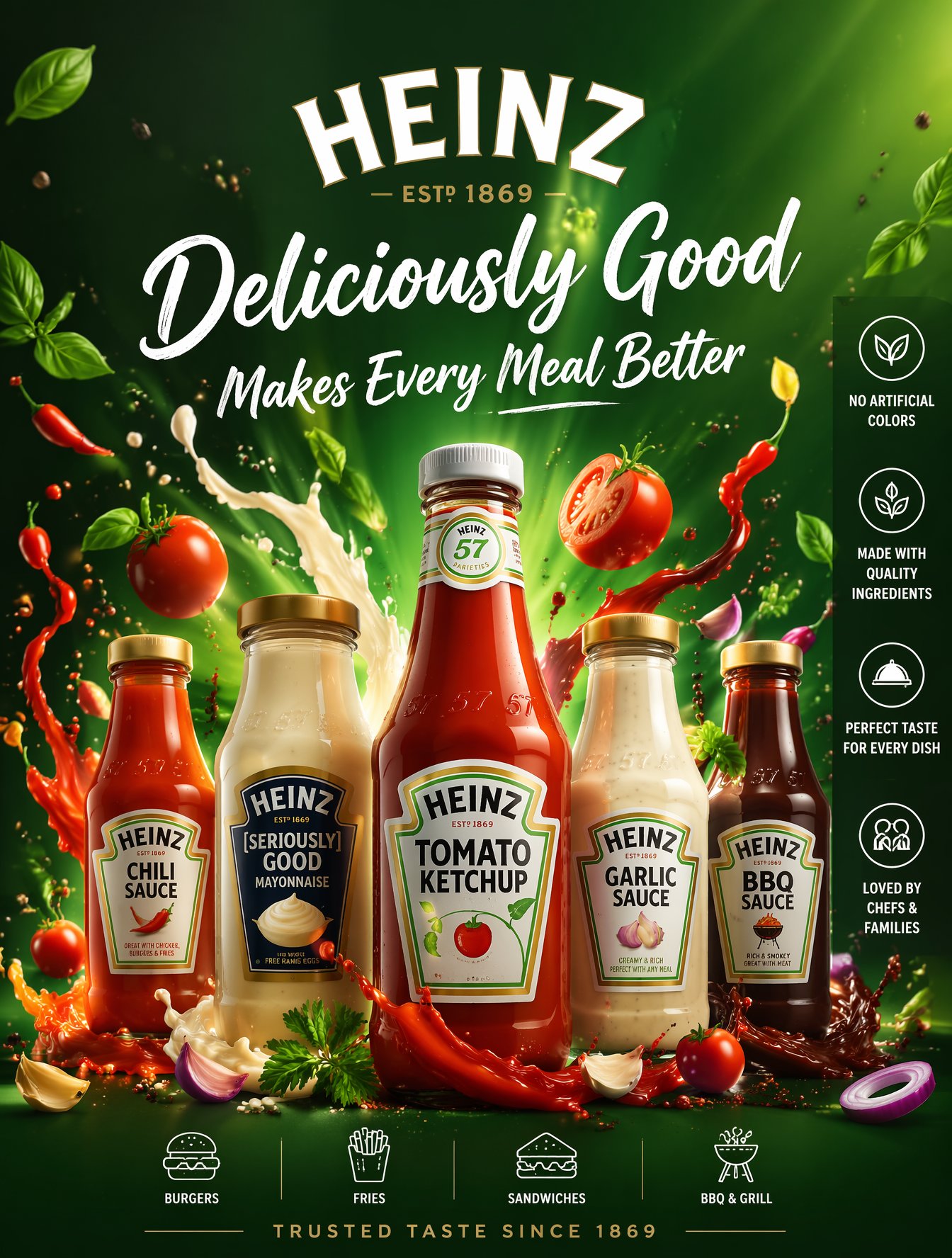
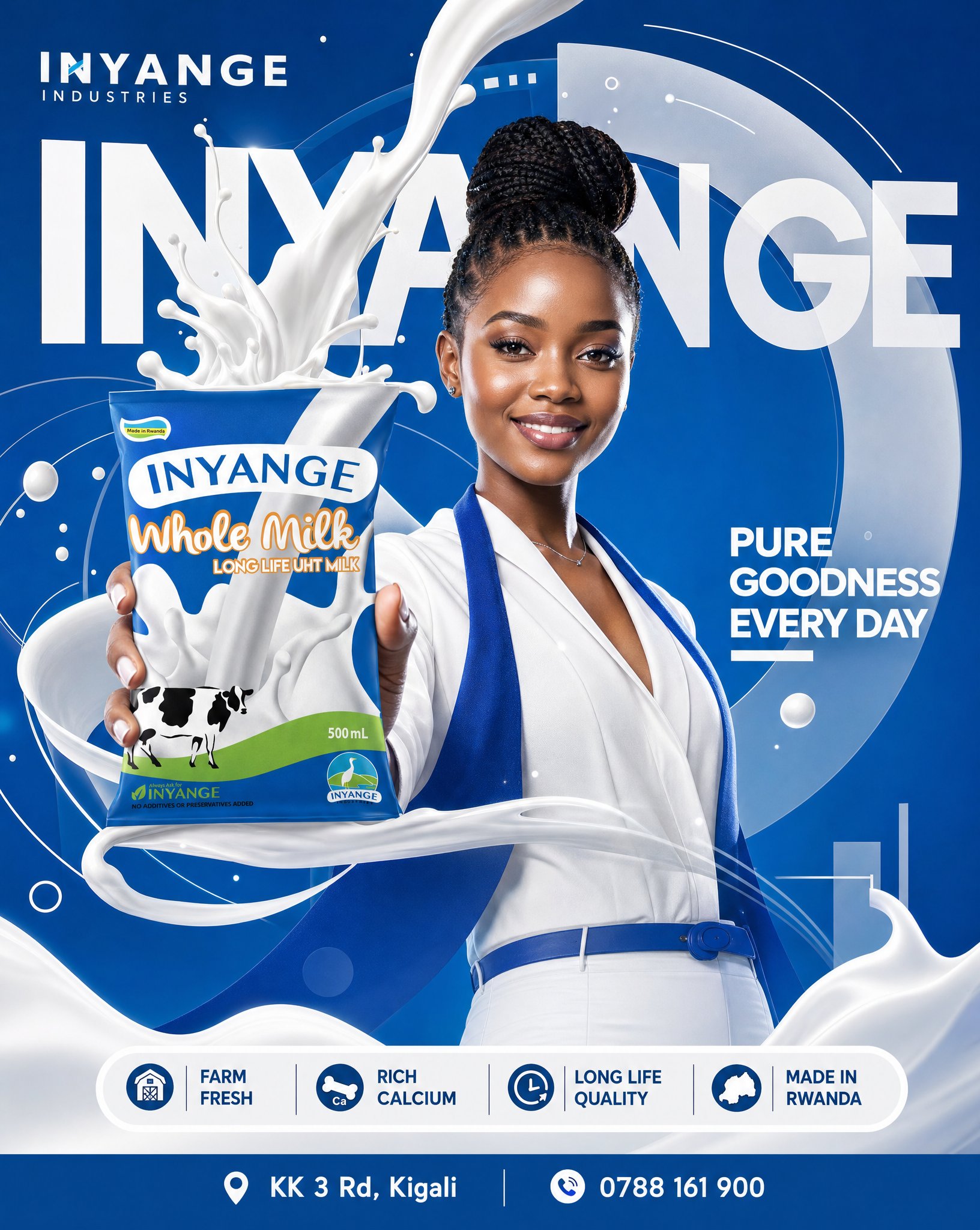
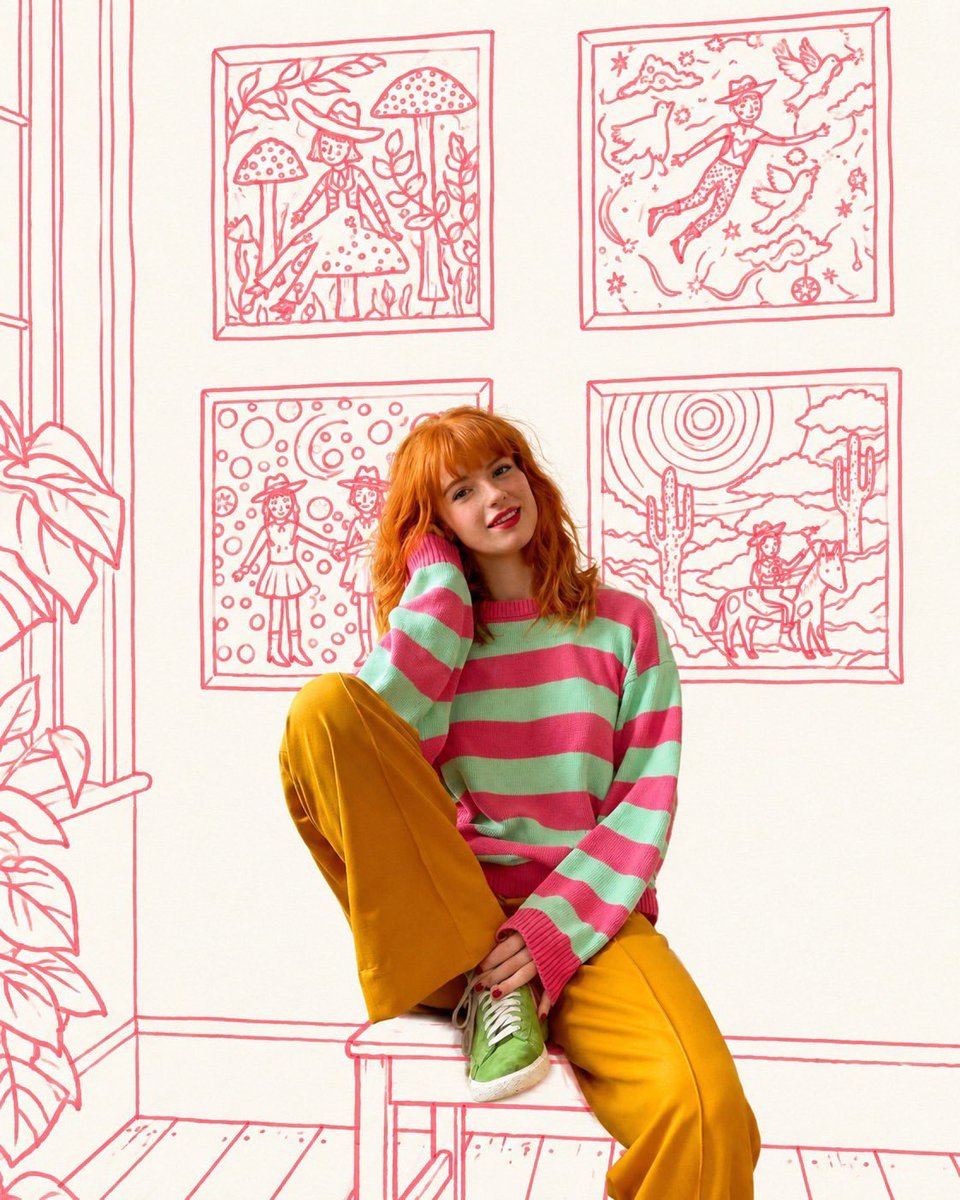
Example output for this GPT Image prompt. Click the image for the full prompt and the studio panel.
Prompt breakdown
What this specific prompt locks in, read directly from its text. Nothing here is a generic template — each value below comes from the words in the prompt.
Model
GPT Image
Opening instruction
“Use my uploaded selfie as the source image.”
Reference photo
Required — the prompt edits an uploaded image.
Placeholders
None — the prompt is ready to paste as written.
What this prompt asks you to preserve
These clauses are what stop the edit from changing the subject. Keep them in the prompt when you customise it.
“Keep my actual facial anatomy, eye spacing, nose, lips, jawline, smile, skin texture, hairline and age recognizable.”
“Do not retouch, beautify or redraw my face.”
How to use this prompt
1Open GPT Image in the image tool you already use.
2Upload the reference photo first. This prompt opens with “Use my uploaded selfie as the source image.”, so the subject is expected to come from that image.
3Paste the prompt exactly as written. Do not summarise it: the ordering of the clauses is what keeps the composition stable.
4Generate once, then change a single phrase per attempt. Start with the subject clause rather than rewriting the whole prompt.
What to change first
Keep the preservation clauses intact, starting with “Keep my actual facial anatomy, eye spacing, nose, lips, jawline, smile, skin texture, hairline and age recognizable.”. Those are what stop the edit from changing the subject.
The opening clause — “Use my uploaded selfie as the source image.” — fixes the subject; the rest is styling. Swap the subject and the style stays; swap the style words and the subject stays.