
Perler bead pattern maker
Perler Beads Pattern Maker
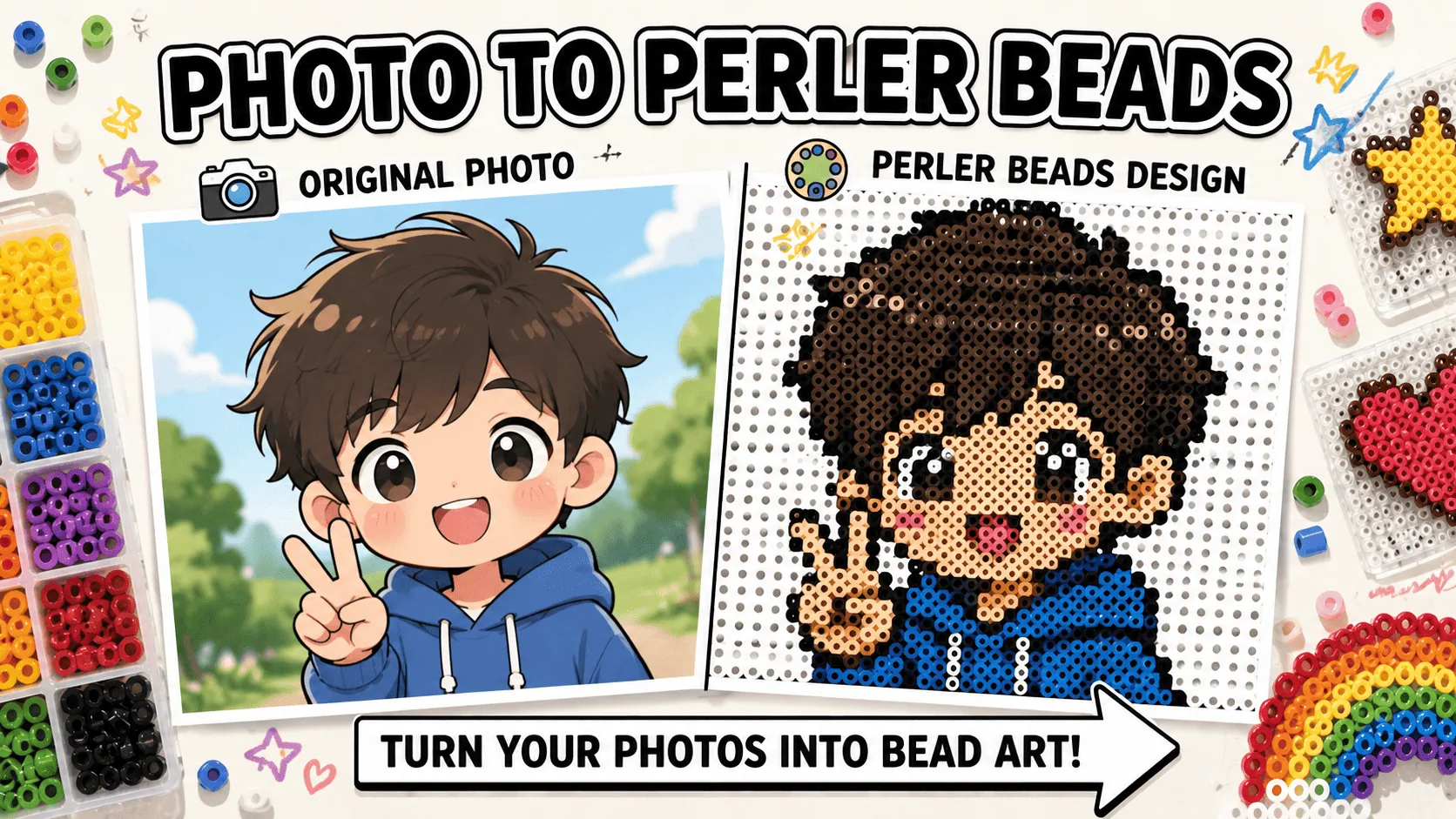
Turn a photo into an editable fuse bead grid. Pick a bead brand, adjust the board size, clean individual cells, check bead counts by color, then export a printable pattern.
Perler bead pattern maker
What people search before they build
Perler searches usually come down to a few practical questions: photo conversion, brand colors, bead counts, editing, and printing.
Advanced editor
Use the editor when you want more control than a one-click converter gives you.
Upload a clear image
Simple subjects and clean shapes read best as beads.
Pick brand and grid
Choose the bead brand you actually use, then set the board size.
Clean the pattern
Fix noisy cells, replace colors, and draw cleaner lines.
Export the build sheet
Download a pattern with labels, counts, and a material list.
Perler Beads Pattern Generator
Upload your photo and auto-generate a bead pattern with brand color mapping
Select Brand
Color Palette
(40)Canvas Settings
Image Conversion
Board Settings
Which grid size should you pick?
Grid size decides how much detail survives and how large the finished piece turns out. The editor accepts anything from 10 to 200 cells per side, with 50×50 as the default starting point.
| Grid | Best for | Finished size |
|---|---|---|
| 10–29 | Keychains, charms, simple icons | up to 14.5 cm |
| 30–50 | Characters, logos, pet and people portraits | 15–25 cm |
| 51–100 | Detailed portraits and scenery, wall art | 26–50 cm |
| 101–200 | Large murals across several pegboards | 50 cm and up |
Finished sizes assume standard midi beads at 5 mm, where a 29×29 grid is exactly one standard square pegboard. Mini beads run about 2.6 mm, so the same grid comes out roughly half the size.
Match your pattern to beads people actually buy
Pretty colors on screen are not enough. A pattern that maps to the bead brand you already own or plan to buy, with color codes that make sorting and shopping easier.
Perler colors
Brand-aware mapping so the palette is buildable, not just decorative.
Hama colors
Brand-aware mapping so the palette is buildable, not just decorative.
Artkal colors
Brand-aware mapping so the palette is buildable, not just decorative.
MARD colors
Brand-aware mapping so the palette is buildable, not just decorative.
Know how many beads you need before you start
The material list helps you estimate supplies, avoid missing colors, and decide whether a design is too big before printing.
Total bead count
Count by color
Estimated bags
Material list
Export a pattern you can build from
Bead projects are built away from the screen. A good perler bead pattern needs grid labels, color codes, and a material list that still make sense after printing.
PDF pattern
Printable grid
Numbered cells
Perler beads FAQ
What is the difference from photo to perler beads?
This page is the advanced editor. The photo page is the simpler converter flow.
Can I choose Perler, Hama, Artkal, or MARD colors?
Yes. The pattern maps to real brand palettes so the list matches beads people buy.
Does the pattern show how many beads I need?
Yes. The material list shows counts by color plus the total count.
Can I print the perler bead pattern?
Yes. Export PDF for a printable build sheet or PNG for a quick reference.