
Convert a photo to pixel art online
Upload a portrait, a pet, or any camera shot and turn it into crisp retro-style pixel art in seconds. Pick a grid, set the color count, and download a clean PNG — no account, no watermark.
Drop a photo here, or click to browseJPG · PNG · WebP — processed locally, never uploaded
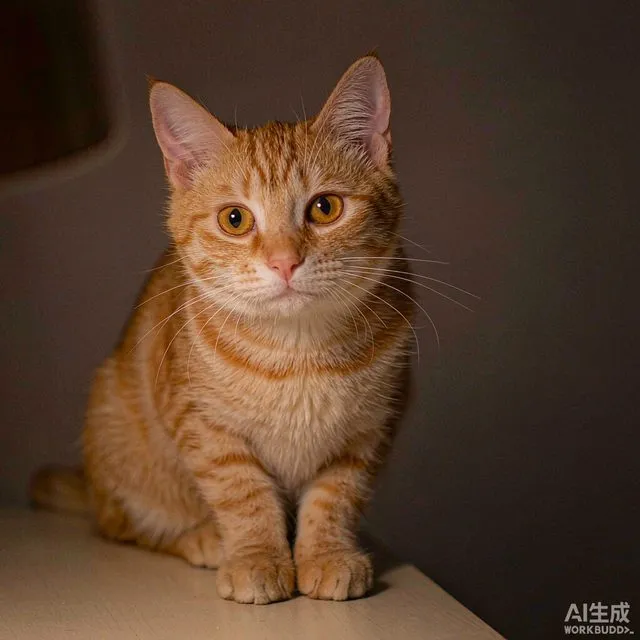
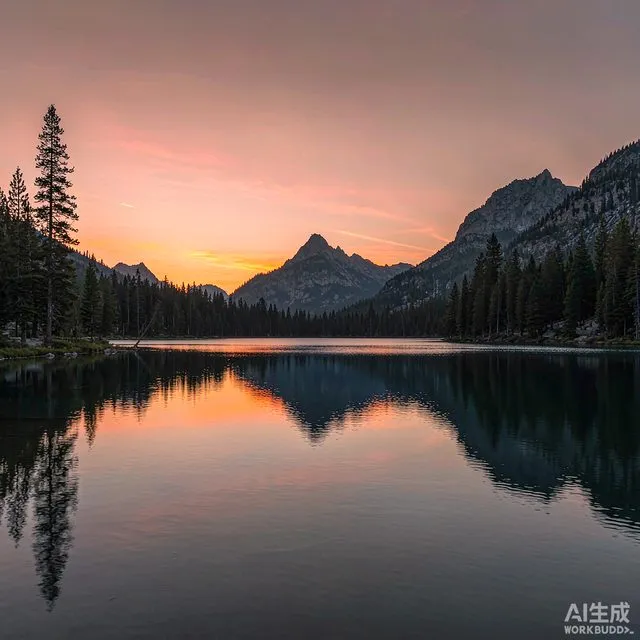
Create Your Pixel Art
Open the pixel art tool in the studio to upload your photo, choose a grid size and color count, then download a print-ready PNG.
Open the Pixel Art Tool- No sign-up required
- Processed in your browser
- Free PNG & PDF export
How to convert a photo to pixel art
Three steps, about thirty seconds, zero learning curve.
Select your image
Drop in a JPG, PNG, or WebP. The photo is processed in your browser and never uploaded to a server.
Tune the pixel look
Choose a grid from 16×16 up to 128×128, set the color count, and pick a palette — retro consoles or your photo's own colors.
Preview and download
Compare before and after, then export a crisp PNG — or a printable PDF with the full color legend.
Simple controls, powerful results
Everything on one screen, and every change shows up in the preview instantly.
Instant image to pixel art
No menus to learn and no timeline to fight. Upload a picture, adjust two or three sliders, and watch the pixel art preview update live with every change.
- Live preview while you drag any slider
- Auto palette built from your own photo
A clean, focused workflow
One screen holds the upload, the controls, and the preview. Everything you need to pixelate a photo is in front of you — nothing else competes for attention.
- Upload, controls, and preview side by side
- No dashboard, no project files to manage
Exports with no watermark
Download the finished PNG exactly as you see it — no logo stamped in the corner, no export limit, no upgrade prompt between you and the file.
- Full-resolution PNG downloads
- Optional print-ready PDF with color legend
Blocky looks for game and craft ideas
Push the grid size down and the palette tighter to get chunky, block-based results — handy as a reference for game sprites, bead patterns, and grid crafts.
- Retro palettes: Game Boy, PICO-8, and more
- Low-color modes for bead and cross-stitch charts
Why use this photo to pixel art converter?
Built to do one job well: turning your pictures into pixel art you actually want to keep.
Completely free
The full converter is free. No credits, no trial timer, no paywall in front of the export button.
Precise pixel control
Set the exact grid size and color count. Every small change updates the preview, so you can dial in the look.
Crisp, clean output
Nearest-neighbor scaling keeps every pixel a hard-edged square — the result stays sharp when you zoom or print.
Private by design
Conversion runs locally in your browser with Web Workers. Your photo never touches a server.
Works with many image types
JPG, PNG, and WebP in; PNG and print-ready PDF out. Portraits, pets, products, screenshots — all fair game.
No account, no watermark
Open the page and start converting. Nothing is held behind a sign-up wall or stamped with a logo.
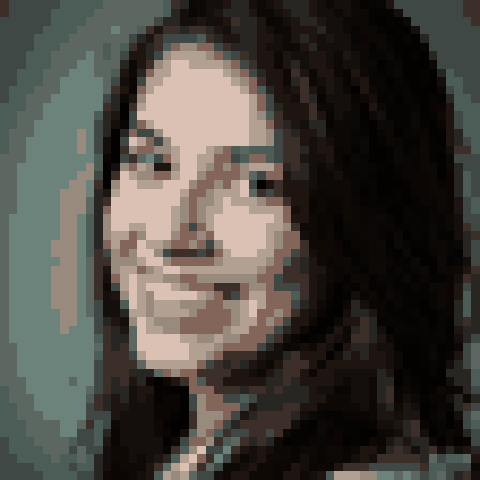
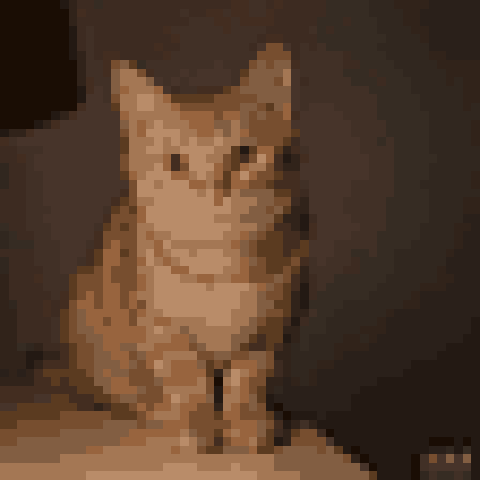
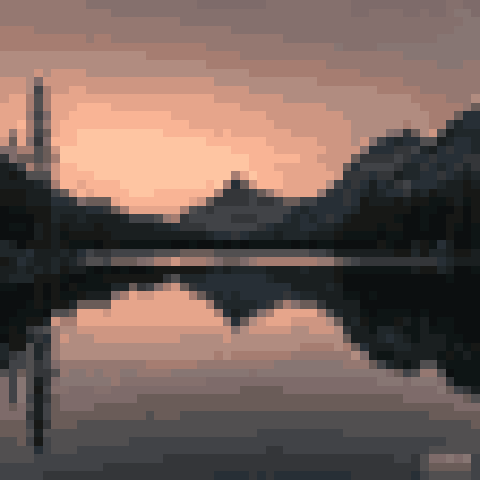
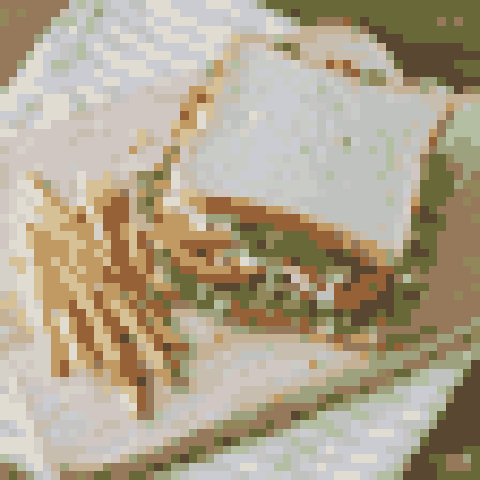
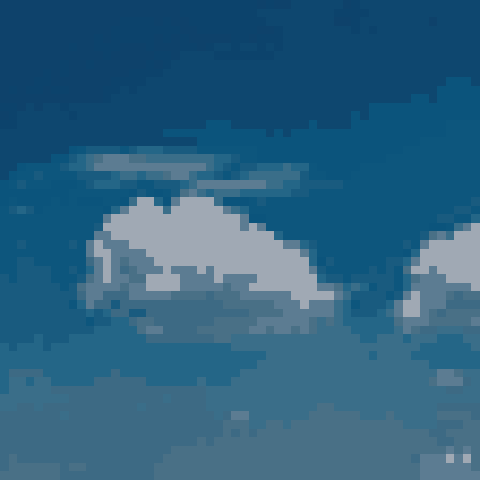
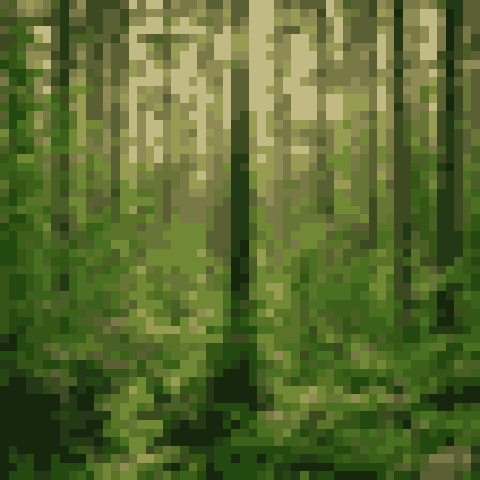
Photos converted to pixel art
Every example below started as an ordinary photo. Same converter, same controls.
Frequently asked questions
Straight answers about the converter.
What does a photo to pixel art converter do?
It shrinks a normal photo onto a small grid and limits its colors to a fixed palette, so the result reads as deliberate pixel art instead of a blurry thumbnail. The two reductions — resolution and color — are exactly what give classic game art its look.
How do I convert a photo to pixel art online?
Upload the photo, choose a grid size and color count, check the live preview, and download the PNG. The whole flow runs in your browser and takes under a minute.
Will my converted photo just look blurry?
No. The converter snaps every block to a palette color and upscales with nearest-neighbor sampling, so edges stay hard instead of smudged. If a result looks soft, raise the grid size or lower the color count.
Is this pixel art converter free?
Yes. Converting, previewing, and downloading are all free, with no watermark on the output and no account required.
What pixel size should I use?
Start at 32×32 or 56×56. Smaller grids give a bolder, more abstract look; larger grids keep more detail. Portraits usually read best between 48 and 64.
Which image formats can I upload?
JPG, PNG, and WebP — the formats phones and browsers already produce. Exports come out as PNG, with an optional printable PDF that includes the color legend.
Is my photo uploaded to a server?
No. The image is read and converted entirely in your browser, so your photo stays on your device.
Ready to convert a photo to pixel art?
Upload your first image and see the pixel version in seconds — free, right in your browser.
Convert a Photo Now